

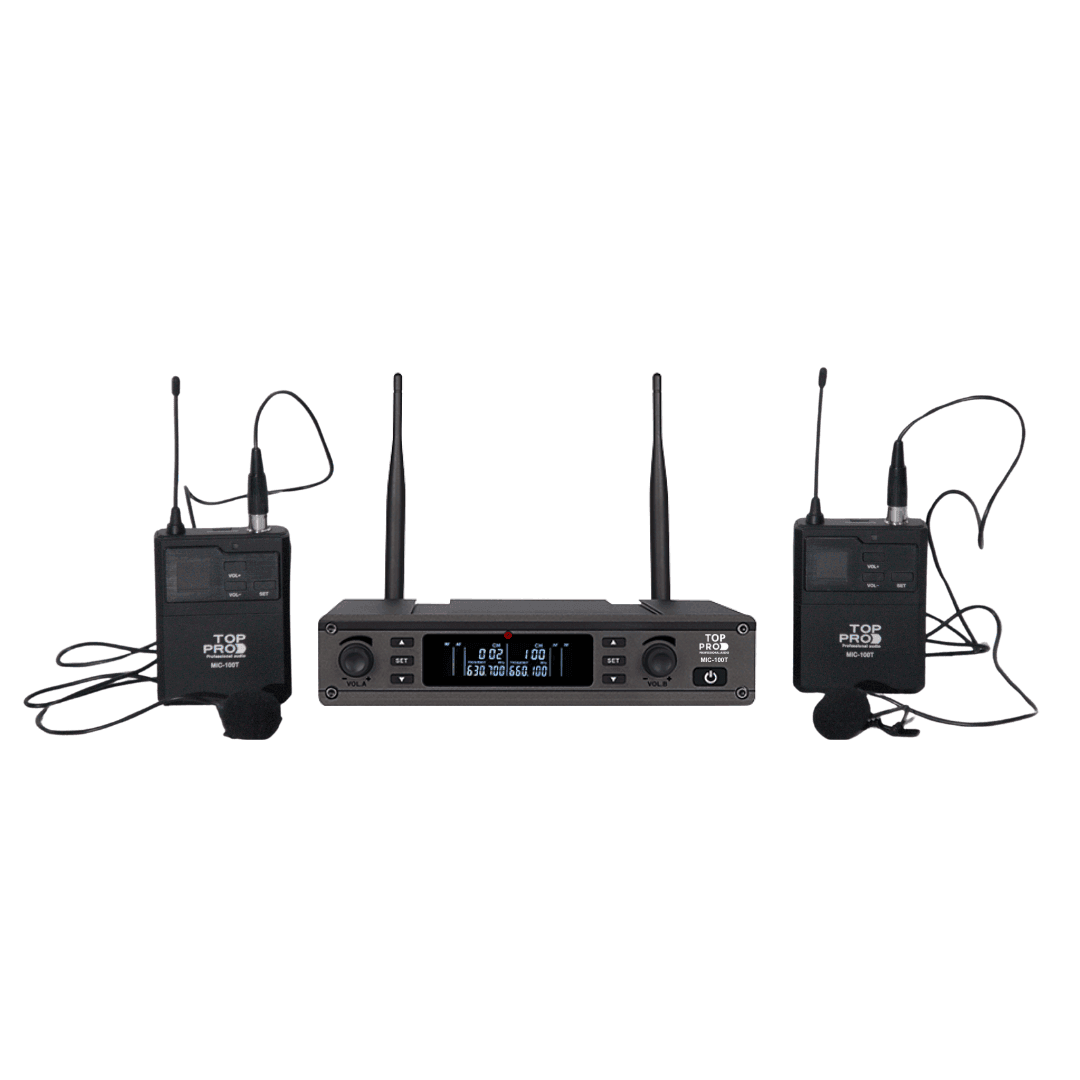
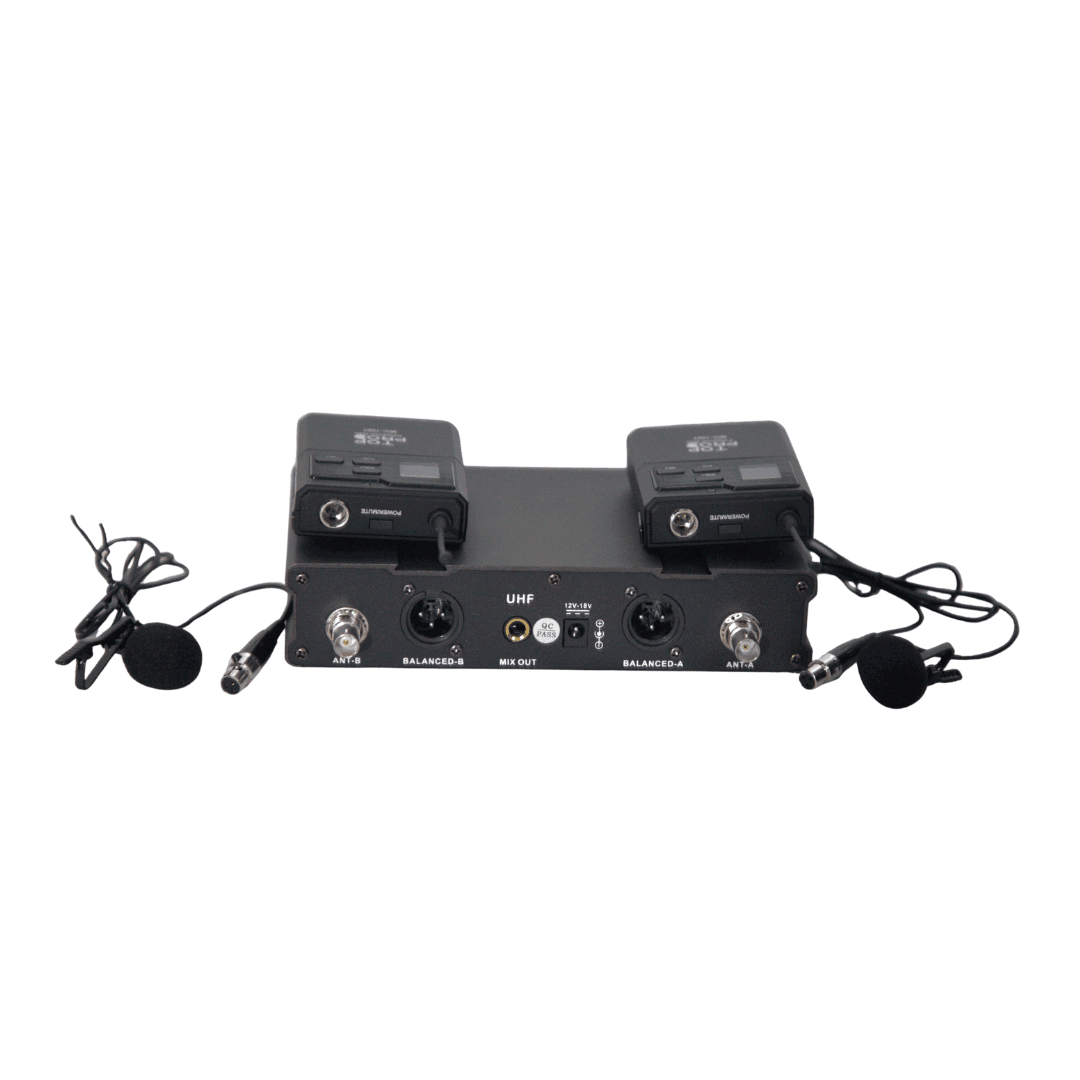
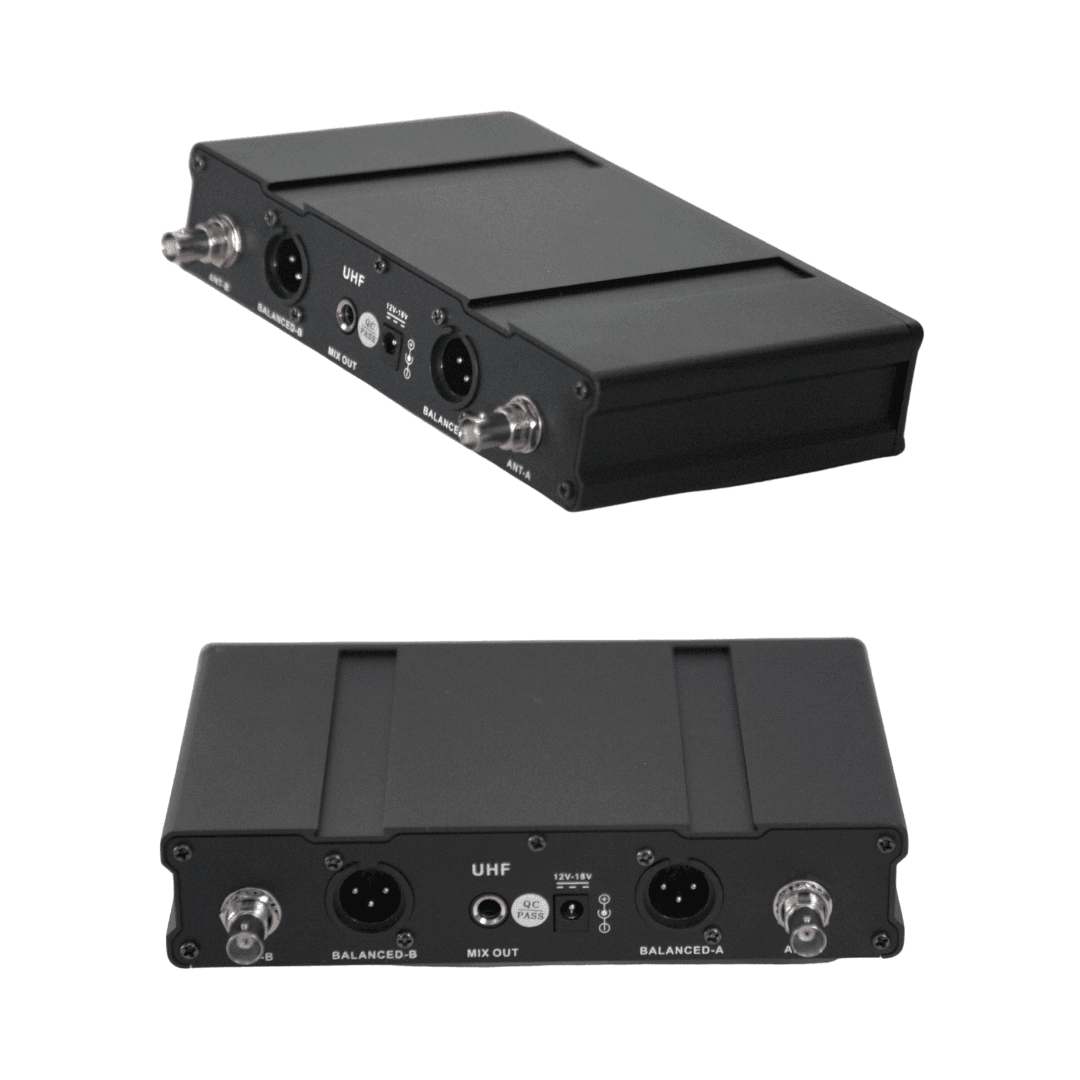
-
Adopting the UHF 630 to 689MHz frequency band.
Channel A: 630.1–659.8MHz (100 frequency points);
Channel B: 660.1–689.8MHz (100 frequency points)
with strong anti-interference capability. -
Adopting high-performance audio-specific A/D and D/A processing with 24-bit/48KHz.
-
Equipped with an automatic frequency search function (the system automatically searches for frequency points without interference points).
-
It has a self-impact elimination circuit to avoid the impact and noise caused by turning on or off the machine.
-
The handheld microphone features an LCD digital display function that visually displays the current frequency.
-
The effective distance for wireless transmission is 50 meters.
-
A concise operating interface with minimal adjustable components can completely avoid malfunctions caused by misoperation.
-
The transmitter and receiver feature a power and voltage detection function, enabling real-time synchronization.
-
Extremely high pickup sensitivity and excellent sound quality make your speech or singing effortless and natural.
-
It has an audio output function and can be connected to active speakers and other devices for karaoke.
-
With the microphone MIX OUTPUT, it can be directly connected to devices such as amplifiers and mixing consoles for KTV singing.
MIC-100T Dual UHF Wireless Microphone Function operation description:
3.1 On/Off
In the off state, short-press the on/off button once to turn on the device, and long-press for 2 seconds to enter the shutdown mode.
3.2 Infrared frequency matching
After setting the frequency by pressing the SET/SET button on the receiver, fold the lower tube of the transmitter and align the red IR position at a distance of approximately ≤30CM from the infrared transmitter of the receiving host. Press the SET button on the receiver once to perform infrared frequency matching. After frequency matching, the backlight of the hand frequency display window will flash continuously for 3 times, indicating successful frequency matching.
3.3 Automatic frequency search function
Press and hold the SET button of the receiver for 2 seconds to enter the automatic frequency search state. After searching for a frequency point without interference, the system will automatically stop at that frequency point without interference, and then follow the steps in 3.2 to perform frequency matching.